Finding Your Way Around
Stealthium has four areas, reached from the sidebar on the left.
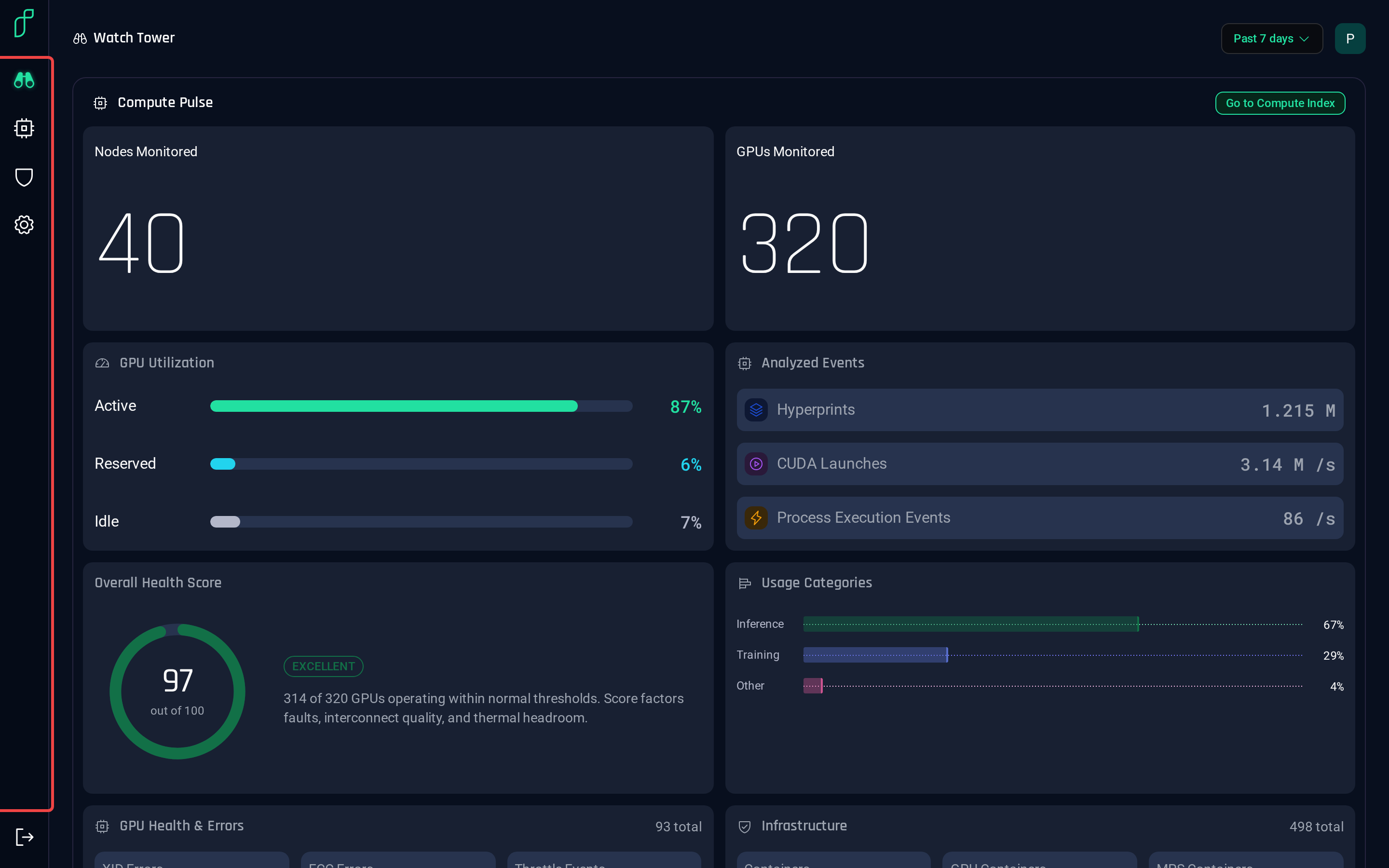
| Icon | Area | What it's for |
|---|---|---|
| Binoculars | Watch Tower | Health and security of all your GPUs at a glance |
| Chip | Compute Index | Every GPU, and the details of each one |
| Shield | Security Alerts | What the detectors found, and why |
| Gear | Account Settings | Workspaces, API keys, SIEM export |
The bottom icon signs you out.
Workspace and time range
The top-right controls apply to every page: the time range sets the window the page reads, and the workspace switcher picks which workspace's GPUs you're looking at.
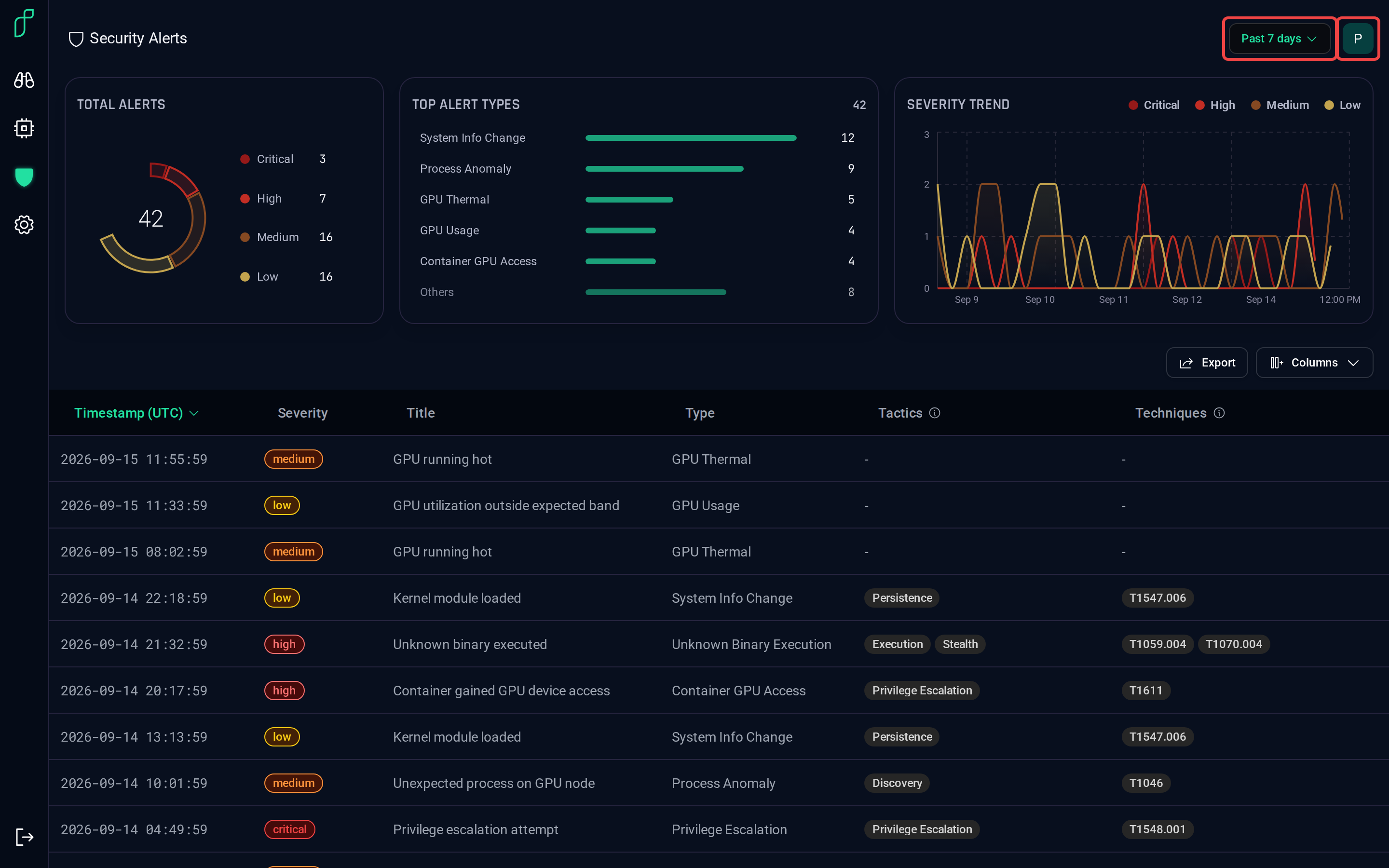
Click the workspace initial to switch, create a workspace, or jump to its settings.
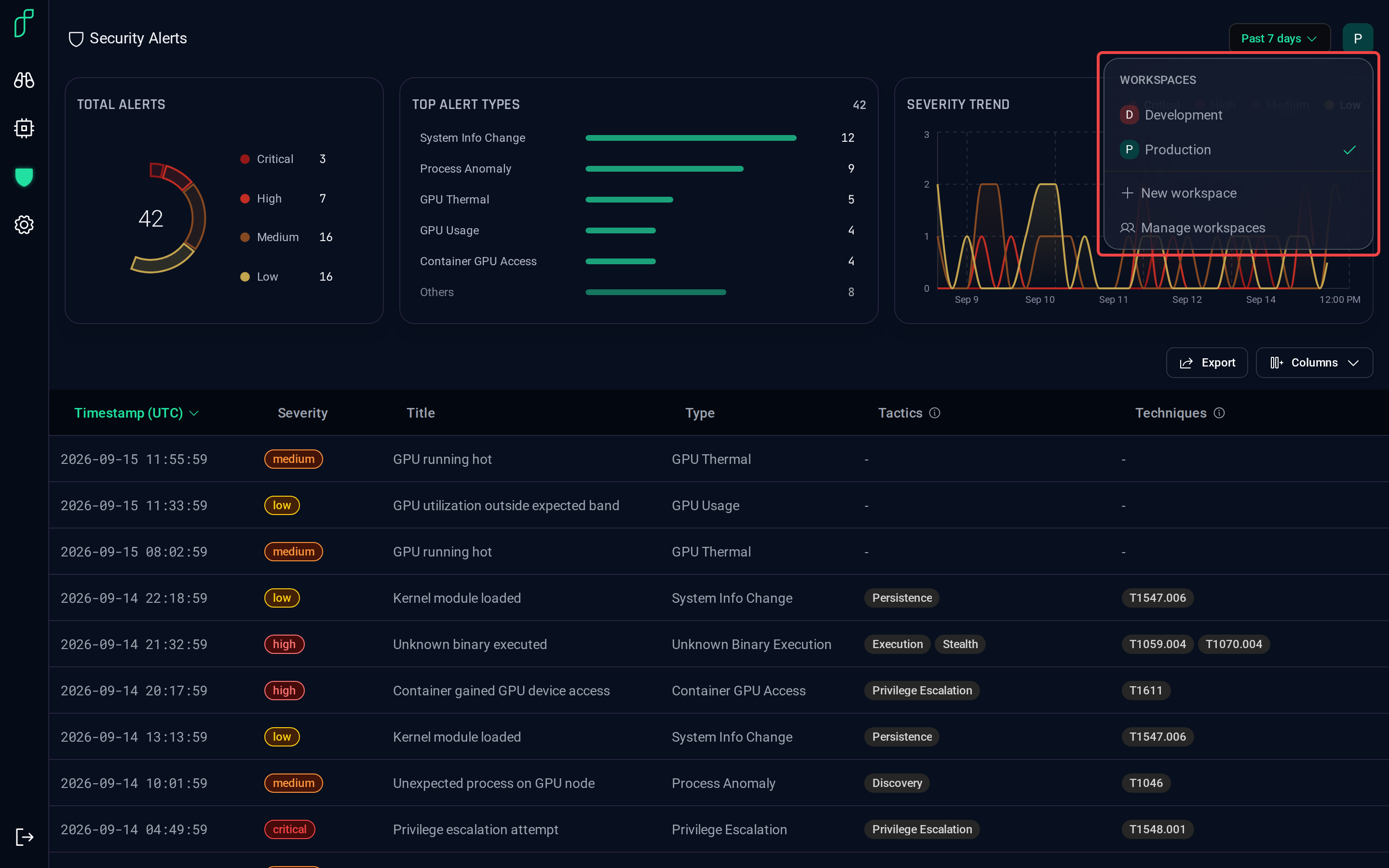
Click the time range to widen or narrow the window.
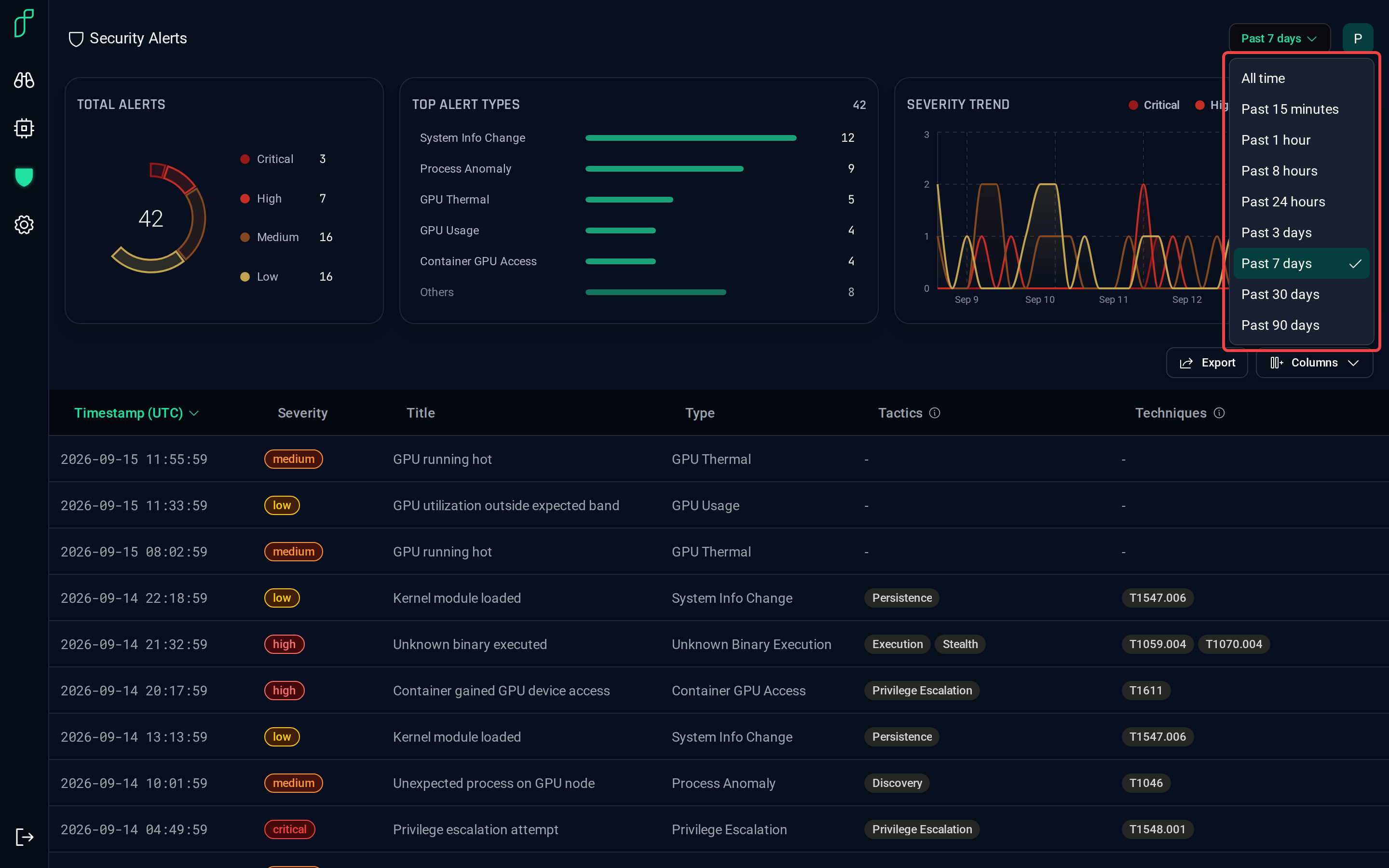
Switching changes what every page shows. The same Compute Index, on the Development workspace:
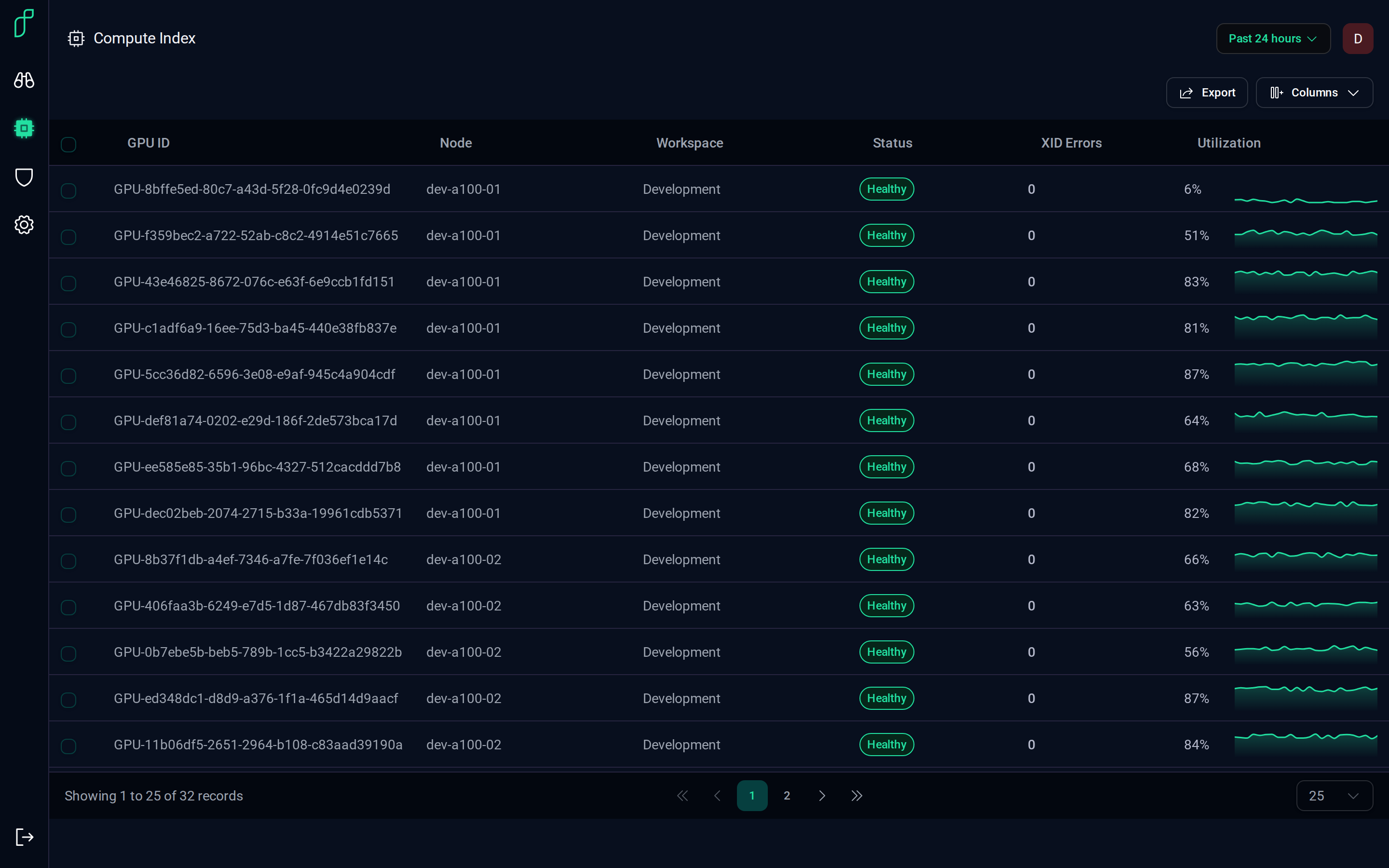
Both choices ride along in the page URL, so a link you share opens on the same workspace and window.
Beyond the product's own pages
Everything these pages show is available outside them too:
- REST API — the same alerts, GPUs and metrics as JSON. Start with Authentication, then the API Reference.
- AI assistants — connect Claude or any MCP client and ask questions about your GPUs. See Connecting.
- Your SIEM and observability stack — forward alerts and metrics to the tools your team already uses. See Integrating with Your Environment.