Account Settings
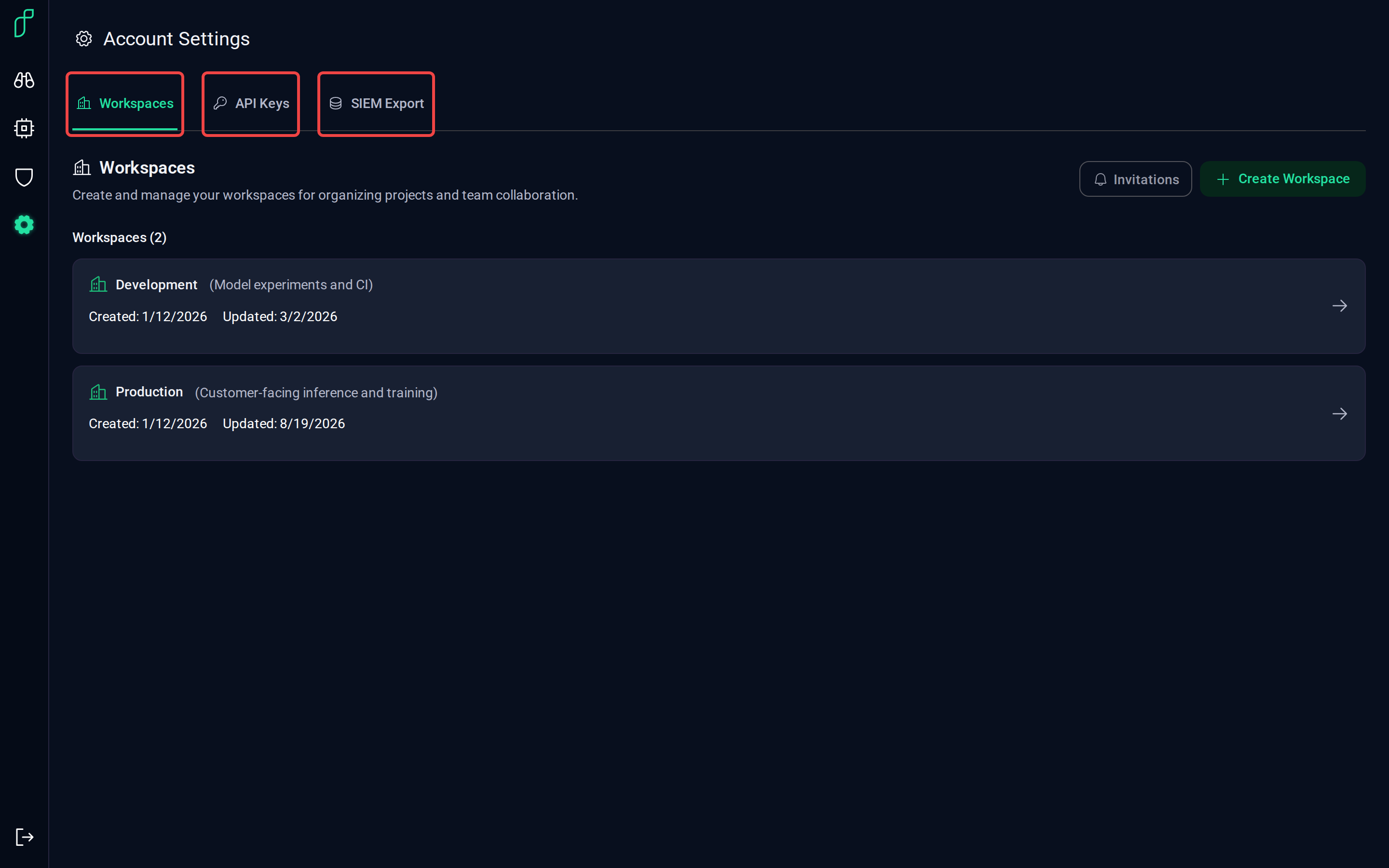
Account Settings has three tabs: the workspaces you belong to, the API keys your agents sign in with, and where alerts are exported.
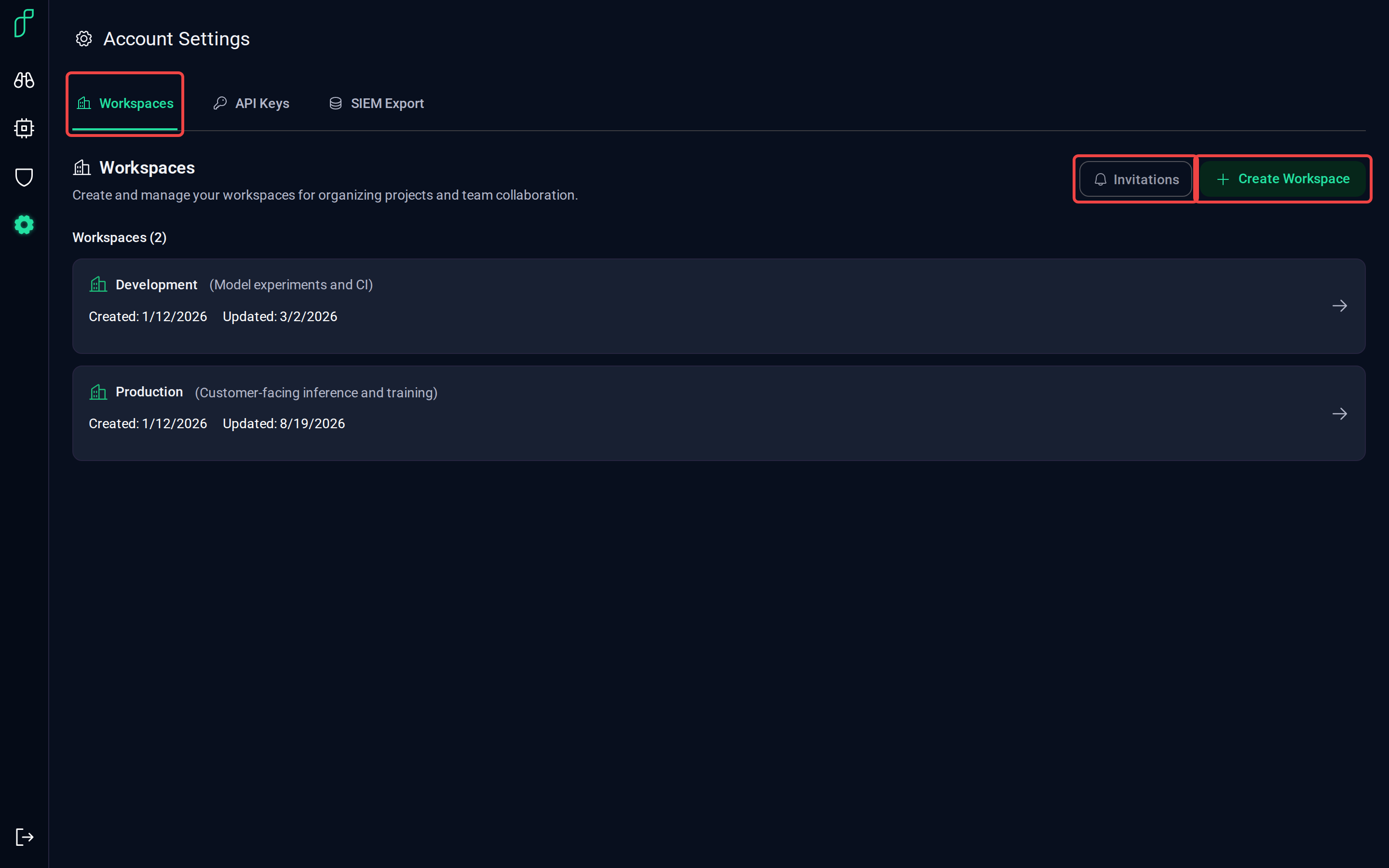
Workspaces
A workspace is a group of nodes with its own members, API keys and data. Create Workspace adds one; Invitations shows the workspaces you've been invited to.
Open a workspace to see its members. Owners can invite users, change roles and remove members.
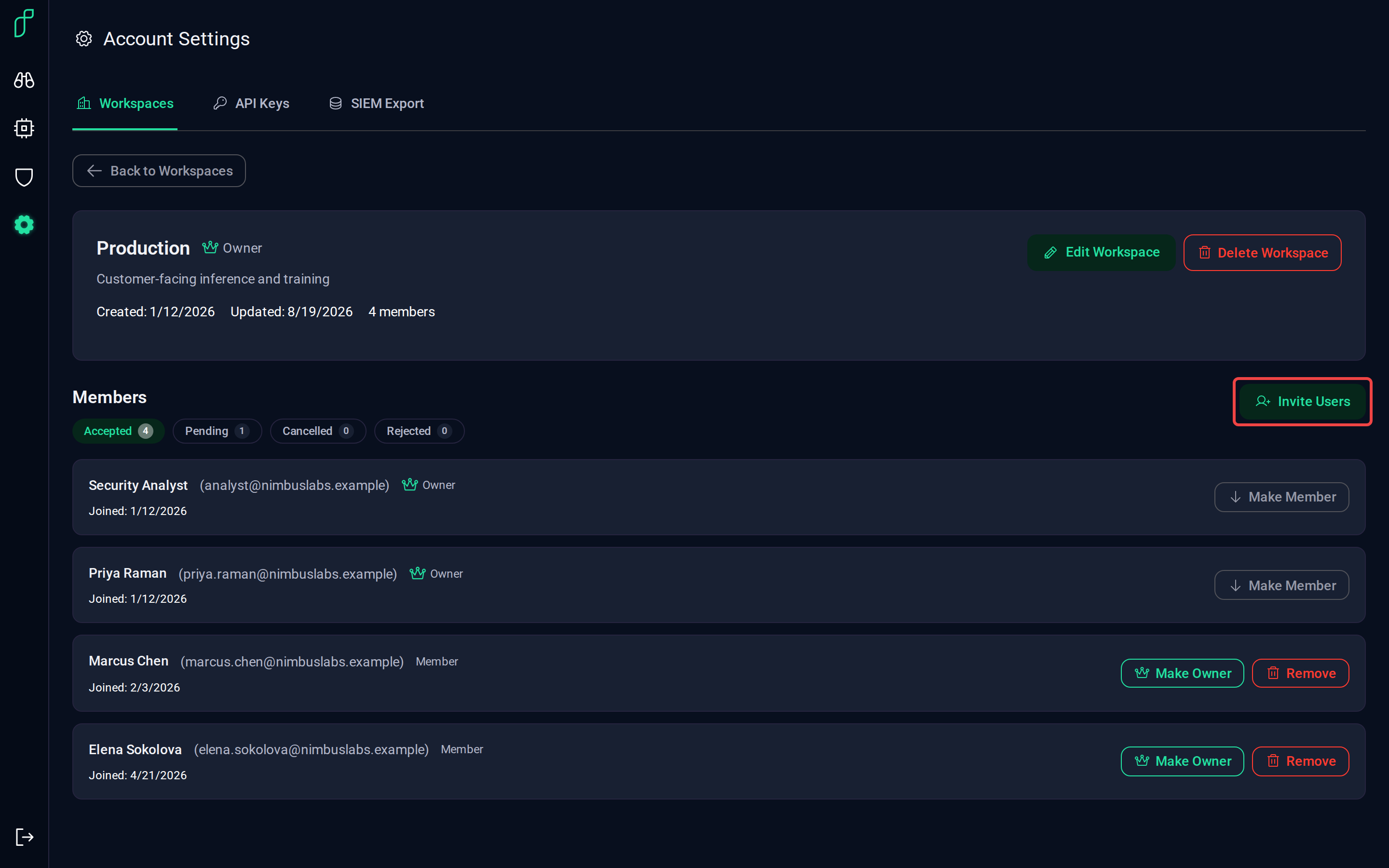
Pending invitations sit under the Pending filter until they're accepted.
API keys
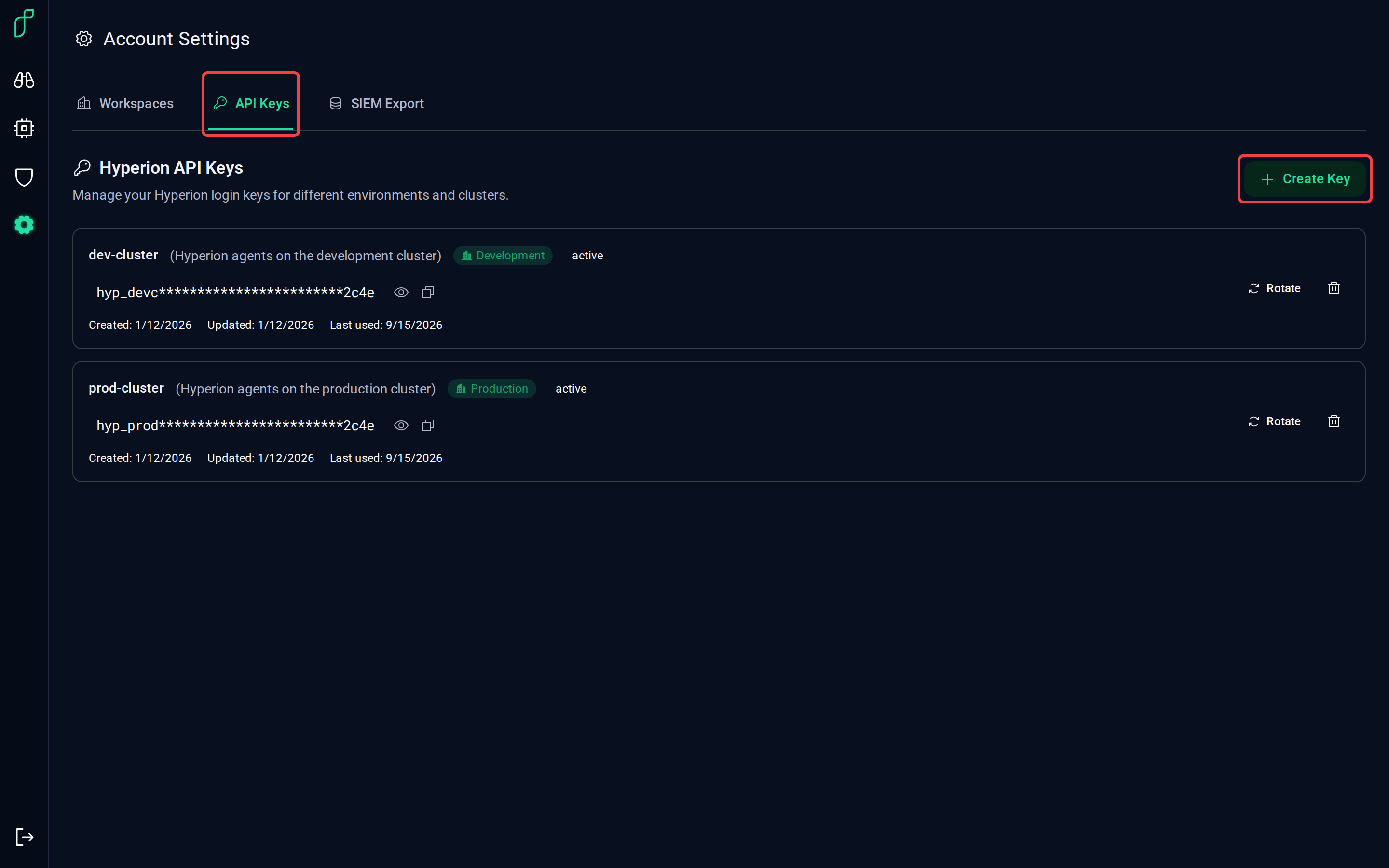
Each Hyperion agent signs in with an API key tied to a workspace. Create Key makes one; keys can be shown, copied, rotated and deleted from the list. Creating an API Key does the same from the command line, and Installation shows where the key goes on each host.
SIEM export
Exporters forward a workspace's alerts and metrics to the tools your team already uses. Add Connection walks through the supported platforms; Test sends a sample event to check the connection.
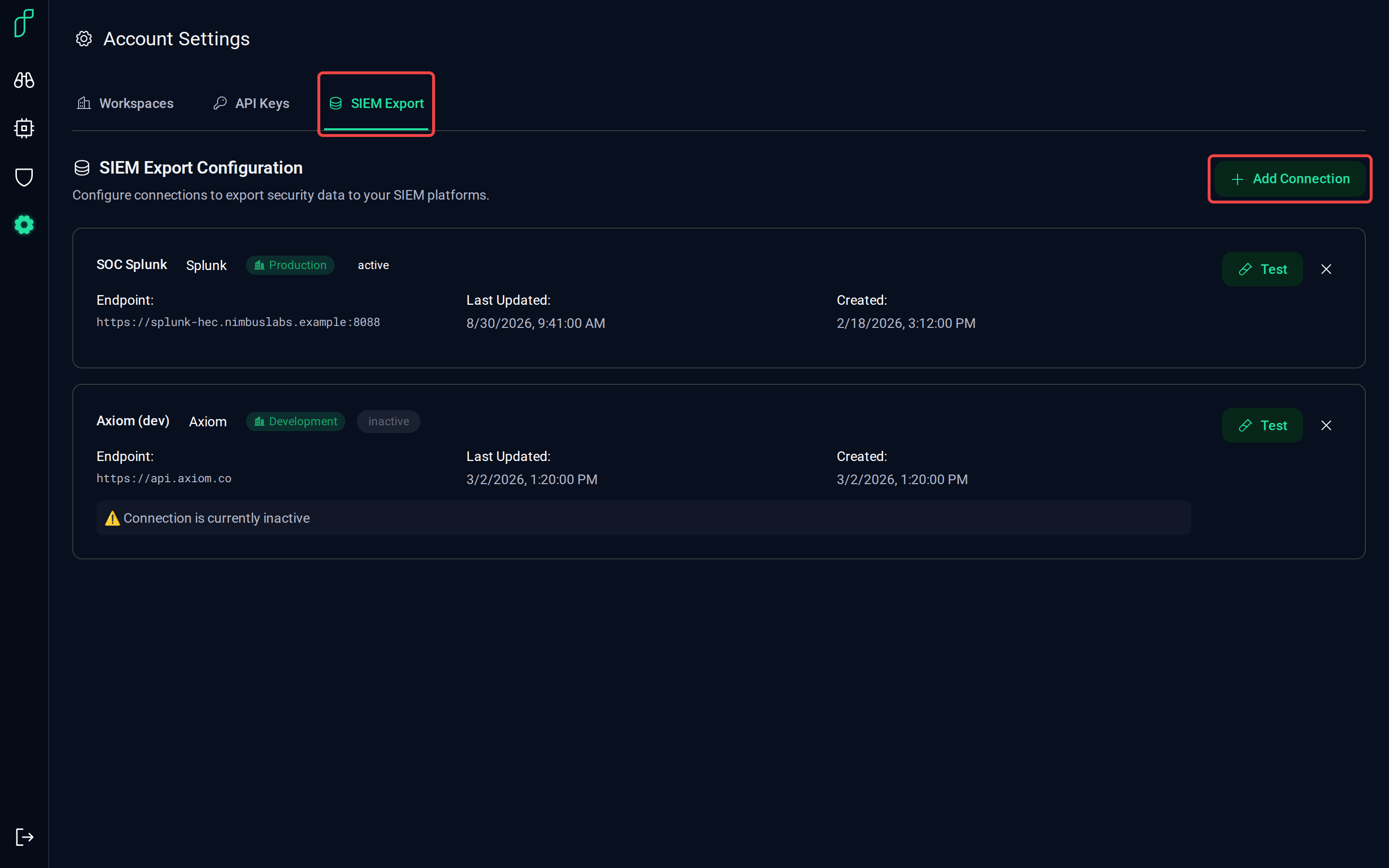
Integrating with Your Environment explains what gets forwarded and how, with the supported destinations and how to set one up. The Metrics Reference lists what a metrics exporter sends.
Going deeper
- Workspaces, members, keys and exporters can all be managed from the REST API as well; see Authentication for signing in and Creating an API Key for the key endpoints.